Designer-native
Select Rich Text on the canvas, set IDs, and preview your TOC without leaving Webflow.
Webflow Designer Extension
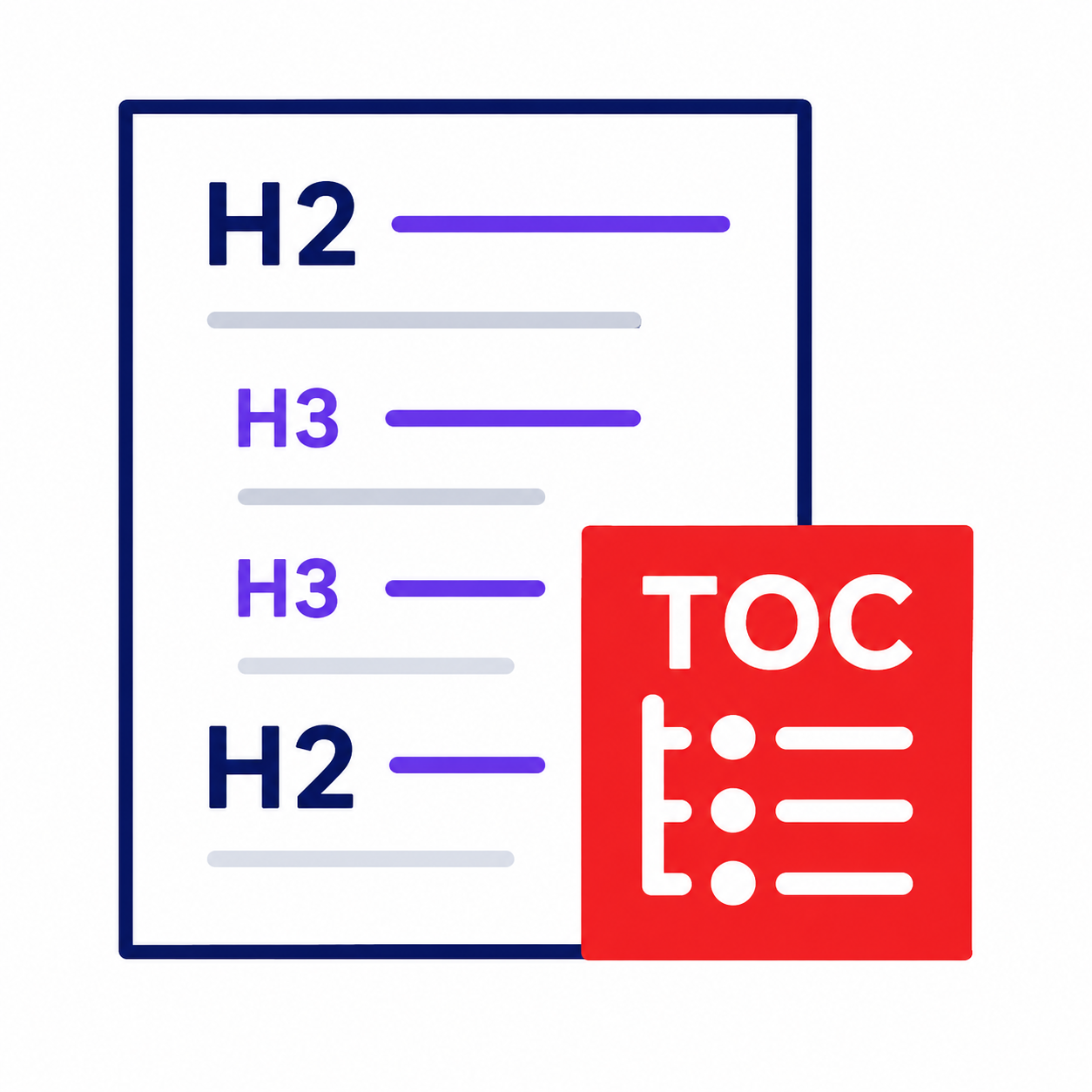
Automatic, nested tables of contents from your Rich Text headings—built in the Designer and applied to your live site with Webflow's Custom Code API.
Built for blogs, docs, and CMS long-form content inside Webflow.
Select Rich Text on the canvas, set IDs, and preview your TOC without leaving Webflow.
Scripts are registered through the official Custom Code API—no pasting into Site settings.
Publish once. The TOC updates from headings in your Rich Text block automatically.
Free app. No ads. Works with CMS Rich Text and static pages.